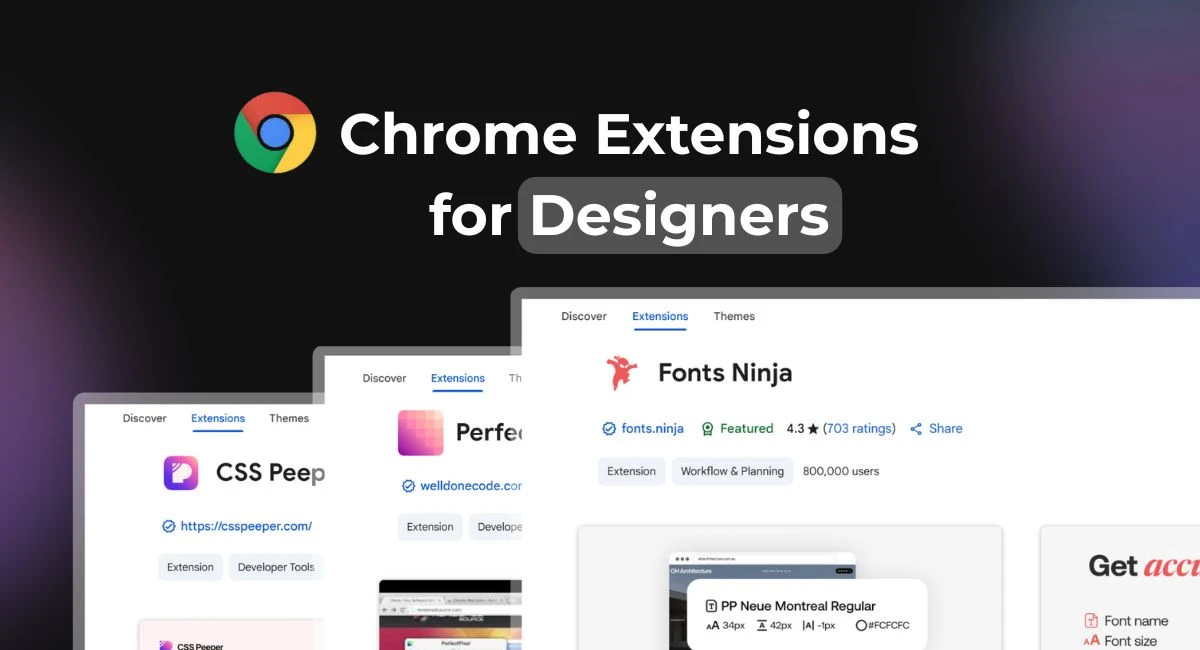
* All product/brand names, logos, and trademarks are property of their respective owners.
In 2025, UI/UX designers are expected to work smarter, faster, and more creatively than ever before. Whether you're picking color schemes, inspecting layouts, or testing user flows, Chrome extensions can make your design process smoother and more efficient — all within your browser.
Google Chrome remains the browser of choice for many designers, and with good reason. Its growing library of extensions offers powerful tools that support everything from color picking and font analysis to wireframing and productivity.
This blog rounds up the best Chrome extensions for UI/UX designers in 2025, handpicked to help streamline your workflow, boost creativity, and enhance user experiences. Whether you’re a pro or just starting out, there’s something here for every designer.
Let’s jump into the tools that can elevate your daily design routine.
As UI/UX designers, we’re always looking for ways to improve speed, clarity, and creativity. These Chrome extensions are essential tools for your design toolkit in 2025 — and the best part is, they’re all just a click away.
Pick colors from any website, save palettes, and copy hex codes instantly. Ideal for UI color matching and real-time palette checks.
Identify any font on a webpage by hovering. A fast, no-code way to check typography used across websites.
Inspect fonts, download or buy them directly, and see font styling info like spacing and weight.
A visual debugging tool that lets you edit page elements like spacing, alignment, and hierarchy in real time — no code needed.
Perfect for UI designers, CSS Peeper lets you view clean, organized CSS styles of any site — including font styles, color palettes, and assets — without opening DevTools.
Helps you achieve pixel-perfect accuracy by overlaying semi-transparent images over your HTML, ensuring precise alignment with design mockups.
Declutter your tabs and organize them into visual boards. Perfect for managing design assets and research links.
Transforms your new tab into a minimalist dashboard with a to-do list, inspirational quotes, and calming backgrounds.
Record your screen with voice and webcam. A must-have for design presentations, async team updates, or walkthroughs.
These extensions are lightweight, reliable, and incredibly useful for every stage of the design process — from ideation to presentation.
With hundreds of Chrome extensions available, finding the right ones for your workflow can be overwhelming. Here’s a simple framework to help you pick tools that actually enhance your design process — not clutter it.
Think about the tools you already use. Are you designing primarily in Figma, Sketch, or Adobe XD? Choose extensions that complement your main platform. For instance:
VisBug is perfect for Figma-style live editing directly in the browser.
PerfectPixel is great if you frequently hand off designs to developers.
Choose tools that fill in gaps rather than replicate features you already have.
Always check the Chrome Web Store ratings and recent reviews before installing. Look for:
★★★★☆ or higher ratings
Regular updates (within the last 6–12 months)
Clear support documentation or links
Extensions like ColorZilla and CSS Peeper have stood the test of time — updated regularly and loved by thousands of designers.
Some extensions ask for excessive permissions or slow down your browser. Avoid anything that:
Requests access to all sites without reason
Adds noticeable lag
Has unclear or outdated privacy policies
Stick to trusted tools with transparent privacy settings and clear use cases.
You don’t need 20 extensions running at once. Start with 2–3 core tools that solve your biggest pain points, and add more as your workflow evolves. Less clutter = more focus.
Choosing the right Chrome extensions isn't about having more — it's about having the right ones that support your unique workflow as a designer.
In the ever-evolving world of UI/UX design, the right tools can make all the difference — and Chrome extensions are some of the simplest yet most powerful ones you can add to your workflow. From inspecting font styles to managing tabs and measuring pixel-perfect layouts, these tools help you work smarter, not harder.
In 2025, designers are expected to move faster, collaborate more efficiently, and deliver polished experiences across devices. The extensions we’ve covered — like ColorZilla, CSS Peeper, VisBug, and Momentum — are more than just browser add-ons. They’re mini powerhouses that support your creativity, precision, and productivity.
As you explore these tools, don’t feel pressured to use them all. Start with the ones that solve your most immediate challenges, and build from there. Over time, you’ll develop a streamlined set of extensions that feel like second nature.
And remember: the best tools are the ones that work for you. So experiment, tweak your setup, and keep refining how you work.

No bio available yet.
Design work is no longer something one person does alone, saves in a file, and sends around for feed
12 May 2026
Choosing the right design tool in 2026 isn’t as straightforward as it used to be. With platfor
15 April 2026
If you’ve ever watched an experienced designer work in Figma, you’ve probably noticed so
19 February 2026
Be the first to share your thoughts
No comments yet. Be the first to comment!
Share your thoughts and join the discussion below.


