Edesignify

UI/UX Design
Graphic Design
Web Design
Design Tools
Tutorials
Inspiration
Career & Freelancing
Resources
Design Thinking & Theory
Monday, April 20, 2026
Edesignify
Edesignify

Explore expert content on UI/UX design, graphic design, and creative tools. Get access to step-by-step tutorials, design trends, free resources, portfolio tips, and freelance insights to grow your design career and sharpen your skills.

Follow us

Categories

  • UI/UX Design
  • Graphic Design
  • Web Design
  • Design Tools
  • Tutorials
  • Inspiration
  • Career & Freelancing
  • Resources
  • Design Thinking & Theory

Policies

  • About
  • Get inTouch Edesignify
  • Privacy Policy
  • Terms & Conditions
  • Disclaimer

Newsletter

Subscribe to Email Updates

Subscribe to receive daily updates direct to your inbox!

*We promise we won't spam you.

*All content on Edesignify is for educational and informational purposes only.

© 2026 EdesignifybyTETRA SEVEN

HomeDesign TrendsThe One Instagram Flash Filter That Makes Every Photo Look Expensive

The One Instagram Flash Filter That Makes Every Photo Look Expensive

ByFeroza Arshad

20 April 2026

The One Instagram Flash Filter That Makes Every Photo Look Expensive

* All product/brand names, logos, and trademarks are property of their respective owners.

3

views


FacebookTwitterPinterestLinkedIn

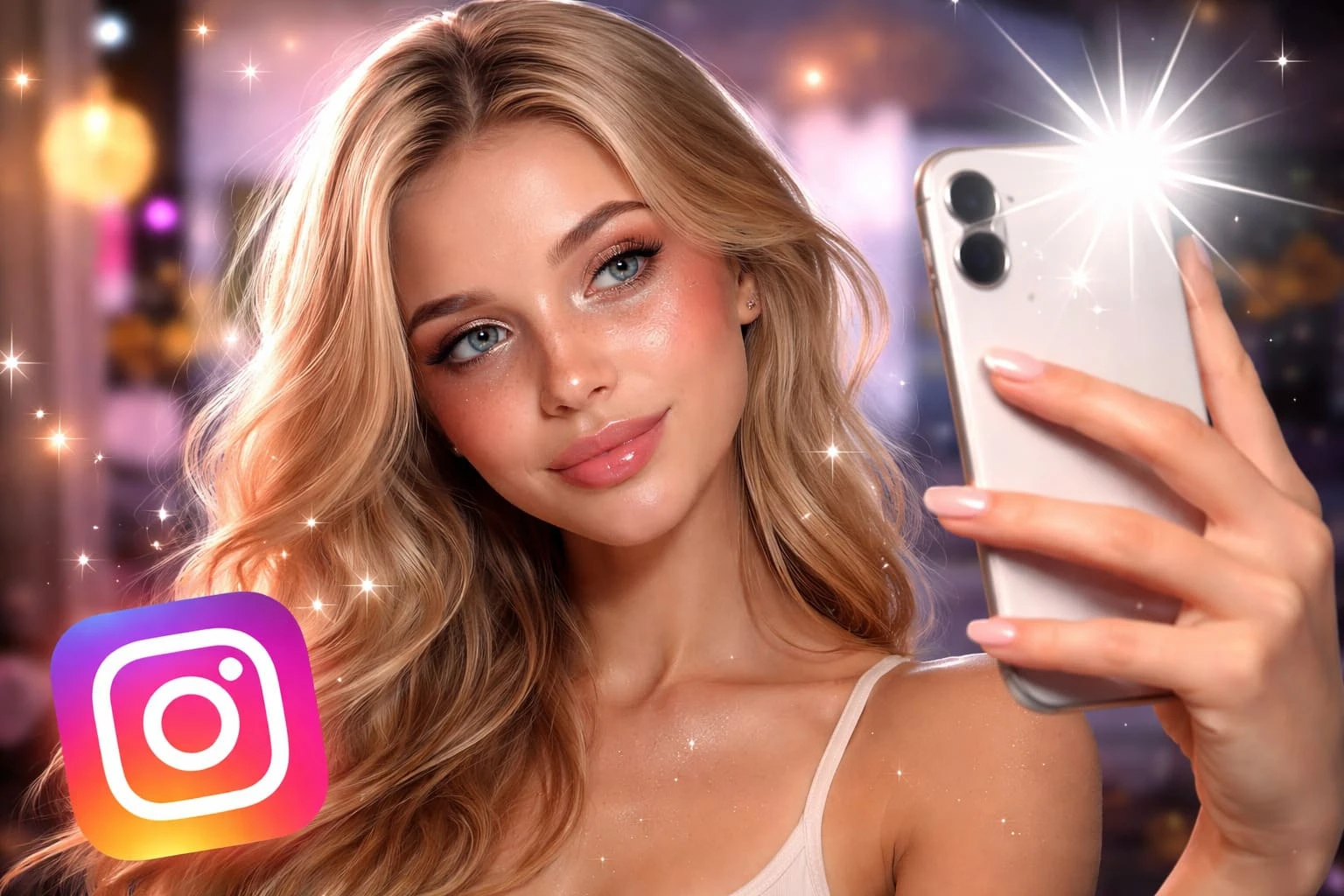
Some Instagram photos just hit differently. You scroll past dozens of posts, then suddenly one stops you — it looks sharp, bold, almost like it came straight out of a fashion campaign. Chances are, it’s not an expensive camera or a luxury location doing the work.

It’s the Instagram flash filter look.

This style has quietly taken over influencer feeds, especially in nightlife shots, outfit posts, and candid moments. It adds instant depth, makes colors pop, and gives even the simplest photo a high-end, editorial feel.

The best part? You don’t need professional gear or complicated editing skills to get it. Once you understand how this one flash-based style works, you can turn almost any photo into something that looks polished, intentional, and yes — expensive.

What does the Instagram Flash Filter look like?

The Instagram flash filter look is that bright, crisp, slightly dramatic style that makes a photo feel more polished right away. It usually mimics direct flash photography — the kind of lighting that creates clear highlights, stronger contrast, and a sharper subject.

Instead of looking soft or airy, flash photos feel more intentional. They bring out detail in the skin, hair, outfit, and background in a way that often reads as more editorial than casual.

You’ve probably seen this look in:

  • influencer selfies
  • mirror photos
  • dinner and nightlife posts
  • fashion content
  • party or event photography

What makes it stand out is the contrast. The subject looks more defined, the image feels cleaner, and even ordinary settings can suddenly look styled.

That is why this look gets linked with “expensive” content. It gives photos a sleek, confident finish without needing a luxury backdrop or a full camera setup.


Why Flash Photos Look More Expensive

There’s a reason this look feels premium, even when the setting is simple. It comes down to how flash changes the way details show up in a photo.

Here’s what’s happening behind the scenes:

  • Stronger lighting = cleaner image
    Direct flash removes dull shadows and brightens the subject evenly, making everything look more polished.
  • Higher contrast = more depth
    The difference between light and shadow adds structure to the face, outfit, and background.
  • Sharper details = richer feel
    Textures like fabric, skin, and accessories stand out more, which gives that “high-quality” look.
  • Focus on the subject
    Flash naturally pulls attention to the person or object, making the photo feel more intentional.
  • Editorial vibe
    This lighting style is often used in fashion photography, so it subconsciously feels more professional.

That combination is what creates the illusion of a more expensive photo — even if it was taken quickly on your phone.

The One Flash Filter Style Everyone Is Using

Here’s the truth: there isn’t just one magic button called an “Instagram flash filter.”

What people are actually using is a specific style + a few simple settings that recreate that bold, direct flash look.

Think of it as a formula rather than a preset.

This is the exact look you’re going for:

  • bright, slightly harsh lighting (in a good way)
  • sharp details
  • defined shadows behind or around the subject
  • natural skin with a bit of glow
  • slightly cool or neutral tones

You can achieve this using:

  • Instagram’s built-in editing tools
  • Lightroom (for more control)
  • VSCO (for subtle tone tweaks)

But even without extra apps, Instagram alone is enough.

Why This Works Better Than Regular Filters

Most built-in filters:

  • soften the image
  • Add color overlays
  • reduce detail

That’s the opposite of what makes a photo look expensive.

This flash style:

  • keeps detail
  • adds clarity
  • feels intentional instead of filtered

That’s why influencers rarely rely on heavy filters anymore — they control the look manually. Once you understand this, you stop searching for “the perfect filter” and start creating the look yourself.

How to Get the Expensive Flash Look (Step-by-Step)

You don’t need a DSLR or studio lighting for this. Your phone — used the right way — is more than enough.


Follow these steps, and you’ll start seeing a big difference instantly:

Step 1 – Use Direct Flash (Even Your Phone Works)

Turn on your phone’s flash and use it intentionally, not just when it’s dark.

  • Stand 1–2 meters from your subject
  • Face the light directly toward them
  • Avoid too much ambient light (dim settings work best)

This creates that signature bold lighting + shadow effect.

Step 2 – Adjust Exposure & Contrast

After taking the photo, open Instagram editing tools:

  • Increase brightness slightly
  • Boost contrast to add depth
  • Raise highlights just a bit

This makes the image feel cleaner and more defined.

Step 3 – Add Sharpness & Texture

This is where the “expensive” look really comes alive.

  • Increase structure or sharpness
  • Add a small amount of clarity (if available)

Be careful not to overdo it — you want crisp, not harsh.

Step 4 – Slightly Cool Down the Tone

Warmer photos can sometimes look casual.

To get that premium feel:

  • Reduce warmth slightly
  • Keep tones more neutral or slightly cool

This mimics the style often used in fashion and editorial shots.

Step 5 – Keep Skin Natural (Avoid Over-Editing)

One common mistake is over-smoothing.

  • Avoid heavy beauty filters
  • Keep natural texture visible
  • Let the flash do most of the work

That natural detail is exactly what makes the photo look high-quality.

If you follow these steps, you’ll notice your photos instantly look more intentional — not like a random snapshot, but something styled and curated.

Flash vs No Flash – What’s the Difference?


The difference is instantly noticeable.

Flash creates a strong, attention-grabbing image where the subject stands out and التفاصيل feel sharper. Without flash, photos tend to blend into the feed more — they look nice, but not striking.

That’s why the flash style works so well for Instagram. It doesn’t just capture the moment — it elevates it.

When This Filter Works Best

This flash style isn’t meant for every situation — but in the right setting, it completely transforms your photo.

Here’s where it works best:

  • Nighttime photos
    Flash cuts through low light and adds that bold, standout effect instantly.
  • Indoor events
    Birthdays, dinners, weddings — it adds clarity and makes moments feel more “captured” rather than blurry.
  • Outfit shots
    Perfect for highlighting textures, colors, and details in clothing.
  • Café & street photography
    Especially in dim or moody places where natural light isn’t strong enough.
  • Mirror selfies
    One of the most popular uses creates that iconic influencer look.

Used in these settings, the flash doesn’t just improve lighting — it gives the image a clear, styled identity.


Common Mistakes That Ruin the Look

The flash style is simple, but small mistakes can make your photo look harsh instead of high-end.

Here’s what to avoid:

  • Overexposing the image
    Too much brightness kills detail and makes skin look washed out. The goal is bold, not blown out.
  • Using too much smoothing
    Heavy beauty filters remove texture — and texture is what makes photos look expensive.
  • Standing too close to the subject
    This creates harsh shadows and unflattering highlights. Give a bit of distance for balance.
  • Bad angles with direct flash
    Straight-on flash can flatten the face if the angle isn’t right. Slight angles work better.
  • Using flash in bright daylight
    It cancels out the effect and can make the image look unnatural.
  • Over-editing after the shot
    If you push contrast, sharpness, and highlights too far, the image starts to look artificial.

Avoiding these mistakes keeps the look clean, sharp, and intentional — exactly what gives it that premium feel.

Conclusion

The truth is, there isn’t just one magical Instagram flash filter doing all the work.

What makes photos look expensive is the combination of direct flash, clean lighting, and simple editing tweaks. Once you understand that, you stop relying on random filters and start creating a consistent, high-end look on your own.

The best part? You can do it with the phone already in your hand.

Try it the next time you’re out — whether it’s a dinner, outfit shot, or a quick mirror selfie. With the right flash and a few adjustments, your photos won’t just look better… they’ll stand out.

Tags:PhotographyInstagramFlash FilterSharpness & Texture
Feroza Arshad

Feroza Arshad

View profile

My name is Feroza Arshad, and I am a passionate blogger and content creator focused on writing high-quality, engaging, and SEO-friendly content. I specialize in topics such as lifestyle, fashion, personal growth, and digital trends.

I enjoy creating well-researched blog posts that are both reader-friendly and optimized for search engines. My goal is to provide valuable information, improve online visibility through content writing, and connect with a wider audience through storytelling and useful insights.

With a strong interest in blogging and SEO content writing, I continuously work on improving my skills in keyword research, on-page SEO, off-page and content strategy to deliver impactful articles that rank and engage.

Comments

Be the first to share your thoughts

No comments yet. Be the first to comment!

Leave a Comment

Share your thoughts and join the discussion below.

Popular News

Organic Design Inspiration: The Trend Everyone Is Loving Right Now

Organic Design Inspiration: The Trend Everyone Is Loving Right Now

18 April 2026

Discover organic design inspiration with simple, natural ideas to create a calm, modern, and stylish living space.

Read More
Ultimate List of Free Design Resources Every Designer Needs

Ultimate List of Free Design Resources Every Designer Needs

17 April 2026

Discover the best free design resources, including fonts, images, icons, tools, and AI platforms to improve your design workflow.

Read More
Prompt Engineering for Freelancers: The Skill Nobody Told You About

Prompt Engineering for Freelancers: The Skill Nobody Told You About

16 April 2026

Learn how prompt engineering helps freelancers work faster, improve quality, and earn more using AI tools like ChatGPT.

Read More
Canva vs Adobe vs Figma — Which Design Tool Wins in 2026?

Canva vs Adobe vs Figma — Which Design Tool Wins in 2026?

15 April 2026

Compare Canva, Adobe, and Figma in 2026. Find the best design tool for beginners, professionals, and freelancers.

Read More
The Future of Education: How EdTech Is Redefining Learning in 2026

The Future of Education: How EdTech Is Redefining Learning in 2026

13 April 2026

Explore how EdTech is transforming education in 2026 through AI, virtual classrooms, and personalized learning.

Read More
Design Thinking and Theory: Building Smarter, More Creative Solutions

Design Thinking and Theory: Building Smarter, More Creative Solutions

11 April 2026

Learn design thinking and theory with practical insights, process steps, and real-world applications to build smarter, user-focused solutions.

Read More
Graphic Design in 2026: A Simple Guide for Beginners

Graphic Design in 2026: A Simple Guide for Beginners

10 April 2026

Learn what graphic design in 2026 really means, the tools used, and how beginners can start step by step with simple examples.

Read More
What is UI/UX Design? Everything You Need to Know

What is UI/UX Design? Everything You Need to Know

8 April 2026

Learn what UI/UX design is, the difference between UI and UX, and how it impacts apps, websites, and careers in this easy beginner guide.

Read More
Free Icons, Illustrations & UI Kits for Web Designers

Free Icons, Illustrations & UI Kits for Web Designers

24 February 2026

Discover the best free icons, illustrations, and UI kits for web designers. Speed up your workflow with high-quality, commercial-use design assets.

Read More
Claymorphism in UI Design: The 3D Trend Transforming Modern Web Interfaces

Claymorphism in UI Design: The 3D Trend Transforming Modern Web Interfaces

24 February 2026

Discover how claymorphism is transforming modern web design with soft 3D visuals, layered shadows, and vibrant UI elements that boost engagement.

Read More