* All product/brand names, logos, and trademarks are property of their respective owners.
Imagine visiting a website to find important information—maybe you're trying to schedule a doctor's appointment, buy a gift, or submit a job application. But instead of a smooth, easy experience, you find confusing menus, unclear instructions, and slow loading pages. Frustrating, right? That frustration is exactly what user experience (UX) design tries to solve—and at the heart of good UX design lies one powerful principle: empathy.
Empathy in UX design means more than just making things “pretty” or user-friendly. It’s about truly understanding the user's needs, emotions, challenges, and context—and then designing experiences that reflect that understanding. Whether someone is using an app during a crisis or simply browsing a product catalog, empathetic design ensures they feel supported, understood, and even delighted by the experience.
In today's digital age—where attention spans are short and expectations are high—empathy is no longer a nice-to-have. It's a critical component of successful product and service design. Companies that invest in understanding their users build stronger trust, loyalty, and engagement. On the other hand, those who ignore empathy risk alienating their audience, no matter how sleek their designs may look.
In this blog, we’ll explore what empathy in UX design really means, why it matters so much, and how designers can incorporate it throughout the design process. From empathy mapping and user research to emotional design techniques and real-world examples, we’ll dive deep into how empathy changes everything—and why it should be at the core of every UX decision you make.
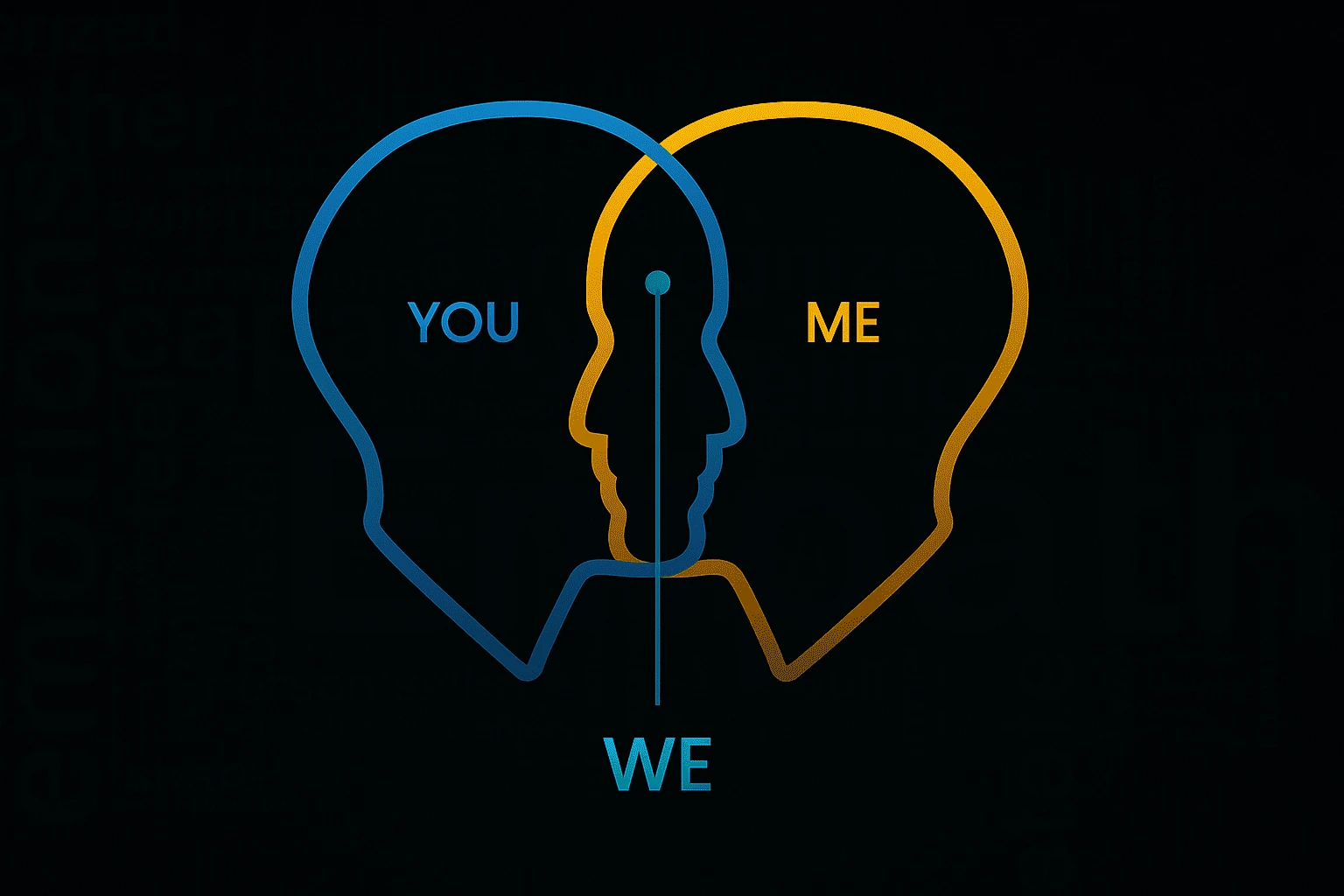
In the world of UX, empathy means putting yourself in the user's shoes—not just guessing what they want, but truly understanding how they think, feel, and behave as they interact with a product. It's about seeing the experience through their eyes, especially when they're frustrated, confused, or in a rush.
UX designers with empathy go beyond user statistics or survey responses. They observe users, ask questions, and look deeper into why users behave the way they do. This leads to insights that can't be gathered from data alone. It’s one thing to know that 70% of users drop off on a certain page. It’s another to understand that they drop off because the language is too technical, or the form takes too long to fill out.
Empathy helps designers make decisions that genuinely support user goals, rather than just ticking business or aesthetic checkboxes. It creates experiences that feel smooth, intuitive, and even emotionally rewarding.
To design with empathy, it’s essential to understand a bit of psychology. Human behavior is deeply influenced by emotions, cognitive load, and mental models. Users don’t always act logically; they’re influenced by context, mood, and even past digital experiences.
For example, when users face decision fatigue or stress, they’re more likely to make errors or abandon tasks. An empathetic UX design might simplify a complex checkout process, reduce visual clutter, or add progress indicators to ease anxiety.
Empathy in UX means anticipating these psychological states and designing accordingly. That’s why techniques like usability testing, journey mapping, and scenario-based design are so valuable—they let designers tap into real human reactions, not just assumptions.
It’s easy to confuse sympathy with empathy, but the distinction matters in UX. Sympathy is feeling for the user—recognizing their struggles and offering comfort. Empathy is feeling with the user—deeply understanding their pain points and designing from that shared perspective.
Sympathetic design might say, “We’re sorry this is difficult.” Empathetic design goes further: “We’ve redesigned this so it’s no longer difficult.” Empathy drives action. It inspires practical solutions rooted in user reality, not just polite acknowledgment.
This mindset shift is what separates average UX from exceptional UX. Designers who internalize user struggles don’t just patch problems—they rethink systems, simplify flows, and create experiences that feel personal and supportive.
One of the most effective ways to start designing with empathy is through empathy mapping. This simple yet powerful tool helps teams visualize what users think, feel, say, and do during their interaction with a product or service. By charting out user emotions, frustrations, and goals, designers begin to uncover gaps and opportunities they might have otherwise missed.
Empathy maps are often paired with user personas—fictional characters based on real data. These personas represent different user types and include details like age, profession, goals, motivations, and pain points. But more than just demographics, a great persona captures what truly matters to the user: what excites them, what scares them, what they expect from a product.
Together, empathy maps and personas keep the design process human-centered. They remind teams that behind every click and scroll is a real person trying to solve a real problem.
Empathy doesn’t happen in a vacuum—it starts with listening to users. That’s where empathic research methods come into play.
Instead of only relying on surveys or analytics, designers conduct in-depth interviews, contextual inquiries, and usability tests. These methods help uncover the why behind user actions. For example, you might notice users skipping a feature—not because it’s not useful, but because it’s buried under confusing navigation.
By observing users in their natural environments and asking open-ended questions, designers gather stories and emotions—not just numbers. It’s in those stories that true design insights live.
Empathic research also means checking your assumptions at the door. It requires humility, curiosity, and a genuine desire to understand the user’s world—especially when it differs from your own.
Empathy-driven design shines when it solves emotional as well as functional needs. Consider how a mental wellness app might use calming colors, friendly language, and subtle animations to make users feel safe and supported. Or how an online donation form simplifies its process to reduce friction and amplify feelings of impact and generosity.
A great real-world example is Airbnb. Their designers used deep empathy for both hosts and guests to create features that address safety concerns, trust, and inclusivity. Another is Duolingo—an app that keeps users motivated through playful animations and encouraging feedback, understanding that learning a language can feel overwhelming without the right emotional tone.
In each case, the goal isn’t just usability—it’s emotional resonance. When users feel seen, heard, and understood, their connection to the product deepens. That’s the power of empathetic design.
Empathy isn’t just a buzzword in UX design—it’s the very foundation of creating experiences that truly resonate with users. In a world flooded with digital interfaces, the ones that stand out are those built with a deep understanding of the user’s mindset, emotions, and challenges.
Throughout this blog, we’ve seen how empathy shapes every stage of the UX process—from defining what users truly need to crafting designs that make them feel heard and supported. It starts with tools like empathy maps and user personas, continues through thoughtful research, and ends in experiences that do more than work—they connect.
Empathy helps us see beyond stats and surface-level behaviors. It pushes us to consider users not as data points, but as humans with real stories, real frustrations, and real goals. And when we design from that place of genuine care, we build products that don’t just function well—they feel right.
So, whether you're a UX designer, product manager, developer, or content strategist, here's your challenge: Start every project by asking, “What does my user feel?” Not just what they do, or what they want, but how they experience your design emotionally.
Because when you understand your users deeply, you don’t just solve problems—you change the entire experience. And that changes everything.

No bio available yet.
Web design improves faster when you stop guessing and start practicing with purpose. It is not only
3 June 2026
Think about the last time you tried to solve a problem and got stuck. Maybe you focused too much on
11 April 2026
Design isn’t just about aesthetics — it’s about creating solutions that genuinely
28 January 2026
Be the first to share your thoughts
No comments yet. Be the first to comment!
Share your thoughts and join the discussion below.


