* All product/brand names, logos, and trademarks are property of their respective owners.
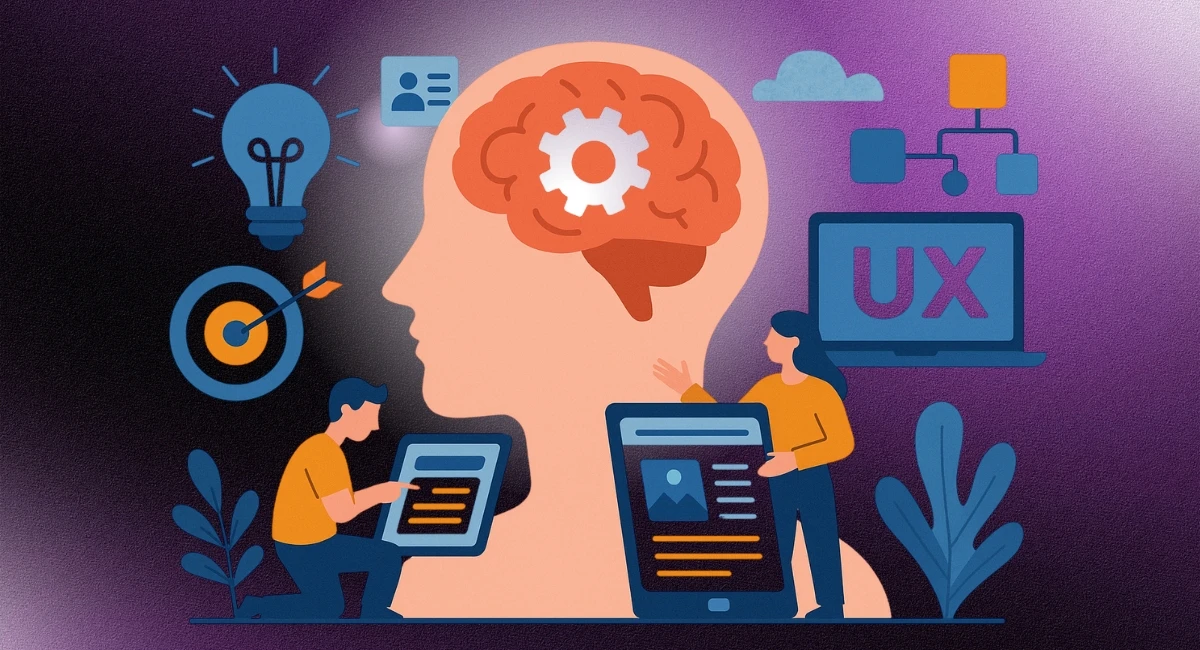
In the fast-paced world of digital design, creating interfaces that are both beautiful and functional isn’t enough. Great design goes deeper — it understands the why behind how users think, feel, and act. This is where cognitive psychology steps in. By tapping into the science of how people process information, make decisions, and interact with their environment, designers can craft UX (User Experience) and UI (User Interface) experiences that feel natural, intuitive, and even delightful.
So, what exactly is cognitive psychology? Simply put, it's the study of how our brains work — how we perceive the world, how we remember things, how we focus, and how we make choices. When you blend this knowledge with design, you're not just guessing what might work — you're building experiences based on how people actually think and behave. And that’s a game changer.
Think about it: have you ever used an app or website that just felt easy — like it “knew” what you wanted to do next? That seamless flow is no accident. It's likely built on principles of cognitive psychology in UX/UI design. Whether it’s reducing cognitive load with cleaner layouts, guiding attention through visual hierarchy, or designing around how memory works, these small yet powerful tweaks can have a huge impact on user satisfaction.
In this blog, we’ll explore how cognitive psychology directly shapes better UX and UI design. We’ll break down key psychological principles, show real-world examples, and offer practical tips you can start using right away. Whether you’re a seasoned designer or just getting started, understanding the brain behind the screen can help you build smarter, more user-friendly digital experiences.
Every user brings prior experiences to your interface — whether they realize it or not. These experiences form what psychologists call mental models — the internal maps that guide how people expect things to work. For instance, when users see a cart icon on an e-commerce site, they instinctively understand it means “view your selected items.” That’s a mental model in action.
In UX/UI design, aligning with these mental models is crucial. If your layout, buttons, or navigation behaves in an unexpected way, users can become confused or frustrated. The key is to create interfaces that feel familiar, even if they’re brand new. Use conventional iconography, predictable workflows, and consistent design language. You don’t always have to reinvent the wheel — often, building on users’ existing expectations leads to a smoother experience.
The human brain has limited bandwidth — and design that overwhelms users with too much information at once increases what’s called cognitive load. When a UI is cluttered or filled with options, users are forced to think harder than necessary, which can lead to decision fatigue or even abandoning the task.
Reducing cognitive load is one of the most powerful ways to improve UX. This means streamlining content, breaking tasks into manageable steps, and prioritizing visual clarity. Use whitespace generously, limit choices where possible, and group related elements. A clean, focused interface doesn’t just look better — it helps users make faster, more confident decisions.
Our brains are constantly filtering information to focus on what matters. Good design guides that attention using visual hierarchy, color contrast, typography, and movement. For example, a bright CTA (Call to Action) button stands out because it contrasts with surrounding elements — drawing the user’s eye.
Understanding how perception works also helps avoid visual traps. Busy backgrounds, poor font choices, or too many animations can distract rather than direct. By applying principles of cognitive psychology in UI design, you can ensure users see (and act on) the most important parts of your interface without unnecessary effort.
Have you ever forgotten how to perform a task on a website you’ve used before? That’s a sign the interface isn’t leveraging human memory effectively. In cognitive psychology, we differentiate between recognition and recall — and recognition is significantly easier. This means interfaces should aim to help users recognize options rather than force them to remember steps.
For example, dropdown menus, icon labels, and tooltips reduce mental strain by making options visible. Similarly, consistent navigation and layout patterns help users develop muscle memory. Good UX design anticipates how short-term and long-term memory affect behavior, and structures the experience to support that.
The result? Interfaces that feel “easy to use” even after a long break.
Design doesn’t just speak to logic — it speaks to emotion. Cognitive psychology shows us that people remember emotionally charged experiences more vividly than neutral ones. That’s why delightful micro-interactions, playful animations, or thoughtful feedback messages can have a big impact on how users perceive your product.
This is often called emotional design, and it plays a huge role in engagement and retention. By understanding psychological triggers — like the joy of success, the comfort of familiarity, or the trust built through transparency — designers can create more human, empathetic digital experiences. A friendly error message or a cheerful success screen can boost satisfaction and brand affinity.
In an era of digital overload, users are faced with more choices than ever — and this can lead to decision fatigue. Cognitive psychology introduces concepts like Hick’s Law, which suggests that the time it takes to make a decision increases with the number of options. The takeaway? Less is more.
Streamline user journeys. Remove unnecessary steps. Use progressive disclosure — show information only when it’s needed. Even subtle optimizations, like clear CTAs or autofill features, can significantly reduce friction and create a smoother, more satisfying user experience.
When designers combine these psychological insights with real-world interface challenges, they don’t just create usable products — they craft memorable ones.
Understanding the intersection of cognitive psychology and UX/UI design is more than just a design trend — it’s a fundamental shift in how we build digital experiences. By considering how users think, process information, and react emotionally, designers can create products that not only look good but feel effortless and intuitive to use.
Throughout this blog, we explored core psychological principles such as mental models, cognitive load, and perception — and how they influence every interaction a user has with your interface. We also looked at real-world applications: designing for memory, engaging users emotionally, and minimizing decision fatigue. These insights, drawn from the field of cognitive psychology, are essential tools in any designer’s toolkit.
The best part? You don’t need to be a psychologist to use them. With a bit of empathy and curiosity, you can start applying these principles to your own projects — whether it’s simplifying a navigation bar, crafting an emotionally resonant microcopy, or streamlining user flows.
So here’s your next step: observe, test, and refine. Put yourself in the user’s shoes. Let psychology guide your design choices — and you’ll start seeing not just better usability, but deeper user satisfaction and long-term loyalty.
Ready to level up your UX/UI with a psychological edge? Start with one principle today — and build from there.

No bio available yet.
Web design improves faster when you stop guessing and start practicing with purpose. It is not only
3 June 2026
Think about the last time you tried to solve a problem and got stuck. Maybe you focused too much on
11 April 2026
Design isn’t just about aesthetics — it’s about creating solutions that genuinely
28 January 2026
Be the first to share your thoughts
No comments yet. Be the first to comment!
Share your thoughts and join the discussion below.


