* All product/brand names, logos, and trademarks are property of their respective owners.
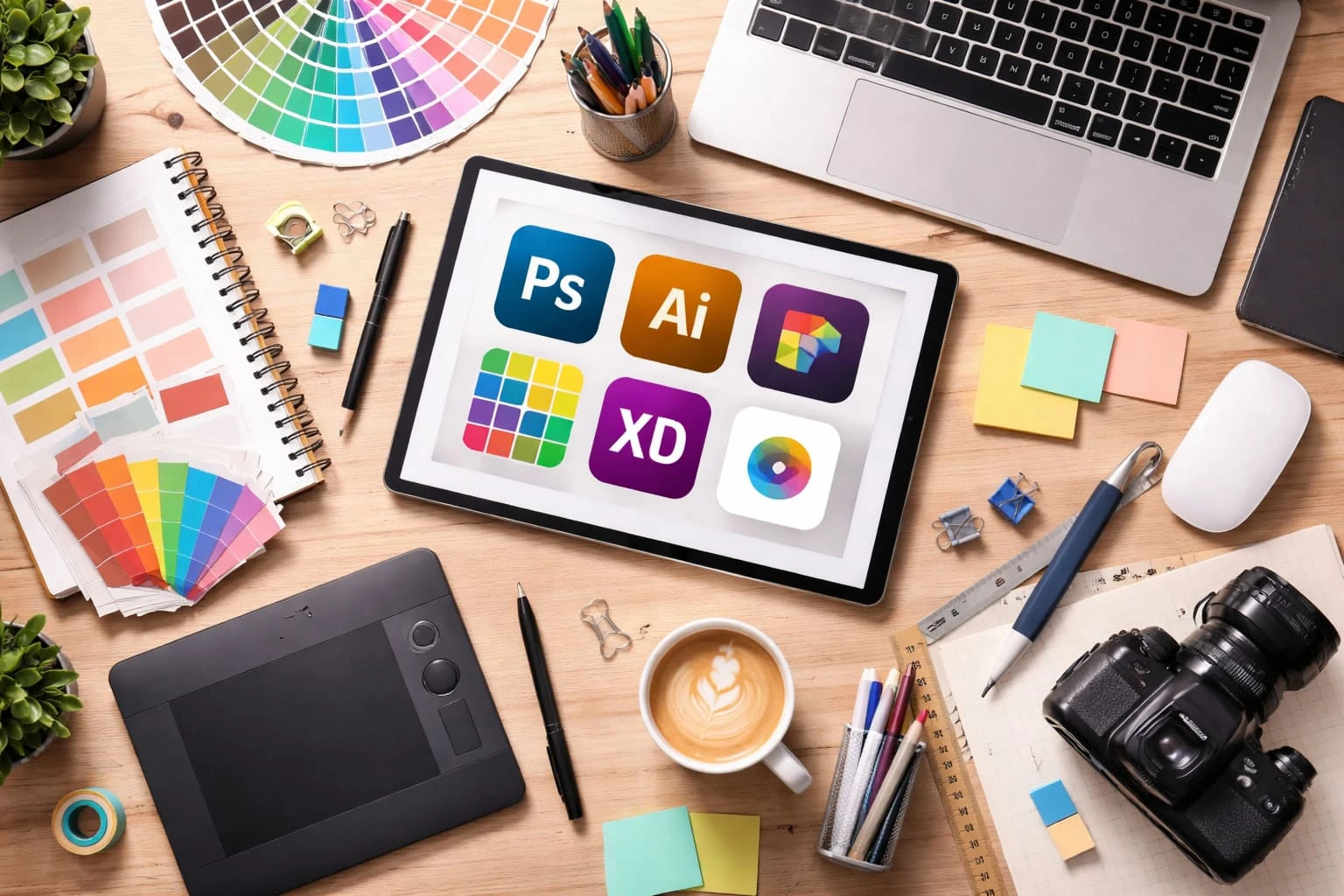
Designers are always on the lookout for high-quality assets, but not everyone has the budget to pay for premium tools every month. The good news? There are plenty of free design resources out there that can help you create professional work without spending anything.
The challenge isn’t finding free tools—it’s finding the right ones. Many lists online are either outdated or packed with resources that aren’t actually useful in real projects.
This guide cuts through the noise. You’ll find a carefully selected collection of tools, assets, and platforms that designers actually use—whether you're working on client projects, building a portfolio, or creating content for social media.
Fonts can completely change the feel of a design. A clean typeface can make a brand look modern, while a more expressive one can add personality and style. When you are working with free design resources, fonts are usually one of the first things worth bookmarking.
This is one of the most reliable places to start. It offers a huge library of open-source fonts that are easy to use for websites, branding, presentations, and social media graphics. It is especially useful because the collection is clean, searchable, and widely trusted by designers and developers.
This is a strong option when you want something that feels a little more polished and modern. The library is smaller than Google Fonts, but many of its typefaces look premium and work well for branding, editorial layouts, and creative portfolio designs.
This is popular because it has a massive variety of styles, including decorative, handwritten, and themed fonts. It can be useful when you need something unique for a poster, gaming design, or event graphic. Still, it is smart to be careful here, because not every font comes with the same usage rights. Always check the license before using it in client or commercial work.

A good rule is simple: keep a few dependable font sources saved, and choose typefaces based on readability first, style second. That saves time and helps your designs look more professional.
Icons help make designs feel clearer, cleaner, and easier to scan. They are useful in websites, apps, presentations, and social media graphics. The right icon set can instantly improve the overall look of your design.
One of the largest icon libraries available, Flaticon offers a wide range of styles and categories. It’s useful when you need quick access to icons for different types of projects. Just make sure to check licensing if you’re using them commercially.
Icons8 stands out for its consistency. You can find icons in multiple styles that match each other, making it easier to maintain a uniform look across your designs. It works well for UI design, presentations, and marketing visuals.
Heroicons are clean, minimal, and perfect for modern interfaces. They are especially useful for websites and dashboards where clarity matters more than decoration.
Phosphor offers flexibility with different weights and styles. This makes it easier to adjust the feel of your design, whether you want something bold, soft, or playful. A great choice for UI and creative projects.

A simple tip: stick to one icon style per project to keep your design consistent and professional.
High-quality visuals can make or break a design. Whether you're working on a website, social media post, or client project, having access to good images saves both time and effort.
Unsplash is one of the most popular platforms for free stock photos. It offers high-resolution, professional-looking images across a wide range of categories. It’s a strong choice for websites, blogs, and branding projects where visual quality matters.
Pexels provides a mix of photos and videos, making it useful for both static and dynamic content. The library is easy to browse, and the content works well for social media, ads, and digital campaigns.
Pixabay goes beyond just photos. You can also find illustrations, vectors, and even videos. This makes it a versatile option when you need different types of visual assets in one place.
Burst is designed with entrepreneurs and marketers in mind. The collection includes business, e-commerce, and lifestyle images that work well for product pages, online stores, and promotional content.

A quick tip: even with free images, try to choose visuals that feel natural and not overly staged. It helps your designs look more authentic and less generic.
UI kits and design systems can save hours of work, especially when you're designing apps, websites, or dashboards. Instead of starting from scratch, you can use pre-built components and layouts to speed up your workflow.
Figma Community is one of the best places to find free UI kits, templates, and full design systems. Designers from around the world share their work, so you can find everything from mobile app layouts to complex dashboards. It’s especially useful if you already use Figma for your projects.
UI8 offers a mix of premium and free resources, and its free section often includes high-quality UI kits and design elements. The designs usually feel polished and modern, making them great for client work or portfolio projects.
Flowbite is focused on building modern websites quickly. It provides UI components based on popular frameworks, which makes it a solid choice for designers working closely with developers or building web interfaces.
Material UI is based on Google’s design system, which is widely used in web and app design. It offers ready-made components that follow consistent design rules, making it easier to create clean and user-friendly interfaces.

Using UI kits is not about copying designs—it’s about speeding up your process and learning how well-structured interfaces are built.
Mockups help you present your designs more realistically and professionally. Instead of showing a flat image, you can place your work on devices, packaging, or real-world scenes.
Smartmockups is simple and quick to use. You can upload your design and instantly place it on screens, products, or print materials. It’s especially useful for client presentations and social media previews.
Mockup World offers a wide variety of free, downloadable mockups. You’ll find everything from phones and laptops to posters and packaging. It’s a good option when you want more control over using Photoshop files.
LS Graphics provides high-quality mockups that feel premium. Their free resources are clean and modern, making them ideal for portfolio work and branding presentations.

A practical tip: choose mockups that match your project style. A clean UI design looks better on a minimal device mockup than on something overly detailed.
Sometimes you don’t need separate tools for everything. All-in-one design platforms can handle multiple tasks like creating social media posts, presentations, UI layouts, and basic graphics—all in one place.
Canva is one of the easiest tools for beginners and non-designers. It comes with ready-made templates for social media, presentations, posters, and more. It’s especially useful for quick designs and content creation without needing advanced skills.
Figma is a powerful tool for interface design, collaboration, and prototyping. It works directly in the browser and allows multiple people to design together in real time. It’s widely used for UI/UX projects and product design.
Adobe Express is a lighter, more accessible version of Adobe’s design ecosystem. It’s great for creating quick graphics, social media content, and simple branding materials without using complex software like Photoshop or Illustrator.

A useful tip: if you're just starting, tools like Canva are great for speed. As your skills grow, platforms like Figma give you more control and flexibility.
Every designer needs inspiration, especially when starting a new project or feeling stuck. The key is not just to browse—but to understand why certain designs work.
Dribbble is known for polished, high-quality design shots. It’s a great place to explore trends in UI design, branding, and illustrations. You’ll often find creative concepts and modern styles that can spark new ideas.
Behance focuses more on full projects rather than single shots. Designers showcase complete case studies, which help you understand the thinking behind the design, not just the final result. It’s especially useful for learning structure and workflow.
Pinterest is more flexible and broad. You can find inspiration for almost anything—social media designs, typography, color palettes, layouts, and more. It’s useful when you want to quickly explore different styles in one place.

A helpful tip: use inspiration to guide your direction, not to copy. Try to combine ideas and adapt them to your own style or project needs.
Not every free resource will fit your project. Choosing the right one can save time and help your design look more polished.
Start with the purpose of your project. A UI design needs structured components and consistency, while a social media post might need eye-catching visuals and quick templates. Picking resources based on the actual task keeps things efficient.
Pay attention to licensing. Some resources are free for personal use but require attribution or a license for commercial work. If you're working with clients, always double-check usage rights before using any asset.
Think about ease of use. A tool might look powerful, but if it slows you down, it’s not the right fit. Simple tools often work better for quick tasks, while more advanced platforms are useful for detailed projects.
Also consider file formats and compatibility. Make sure the resource works with the tools you already use. For example, a UI kit made for Figma won’t be helpful if you primarily work in another software.
In most cases, it’s better to rely on a few trusted resources instead of constantly switching between too many platforms.
Having access to the right free design resources can completely change how you work. Instead of being limited by budget, you can focus on creativity, speed, and execution.
The key is not just collecting resources, but knowing which ones actually help you get results. A well-curated toolkit—images, fonts, icons, and tools—can make your design process smoother and more efficient.
Explore these platforms, try different combinations, and build a setup that works for your style. And if you find a few favorites, save them—you’ll thank yourself on your next project.

Feroza Arshad is a writer and content creator covering a range of subjects including news and current affairs, automobiles, sports, technology and coding, digital marketing, and Google and search trends. Her work appears across several blogs and publications. She focuses on clear, well-researched, and genuinely useful writing — breaking down developments, reviewing products, and explaining technical topics in plain language anyone can follow.
Every creator knows the feeling: you want to make something fresh, but your ideas feel stuck. You sc
26 May 2026
If you’ve ever worked on a website or app design, you know the feeling. You start with a wiref
24 February 2026
In today’s fast-moving digital world, having strong visuals isn’t a luxury — it&rs
28 January 2026
Be the first to share your thoughts
No comments yet. Be the first to comment!
Share your thoughts and join the discussion below.


