* All product/brand names, logos, and trademarks are property of their respective owners.
You opened Canva or Figma for the first time, made something, and thought "this looks nothing like what I had in my head." Sound familiar?
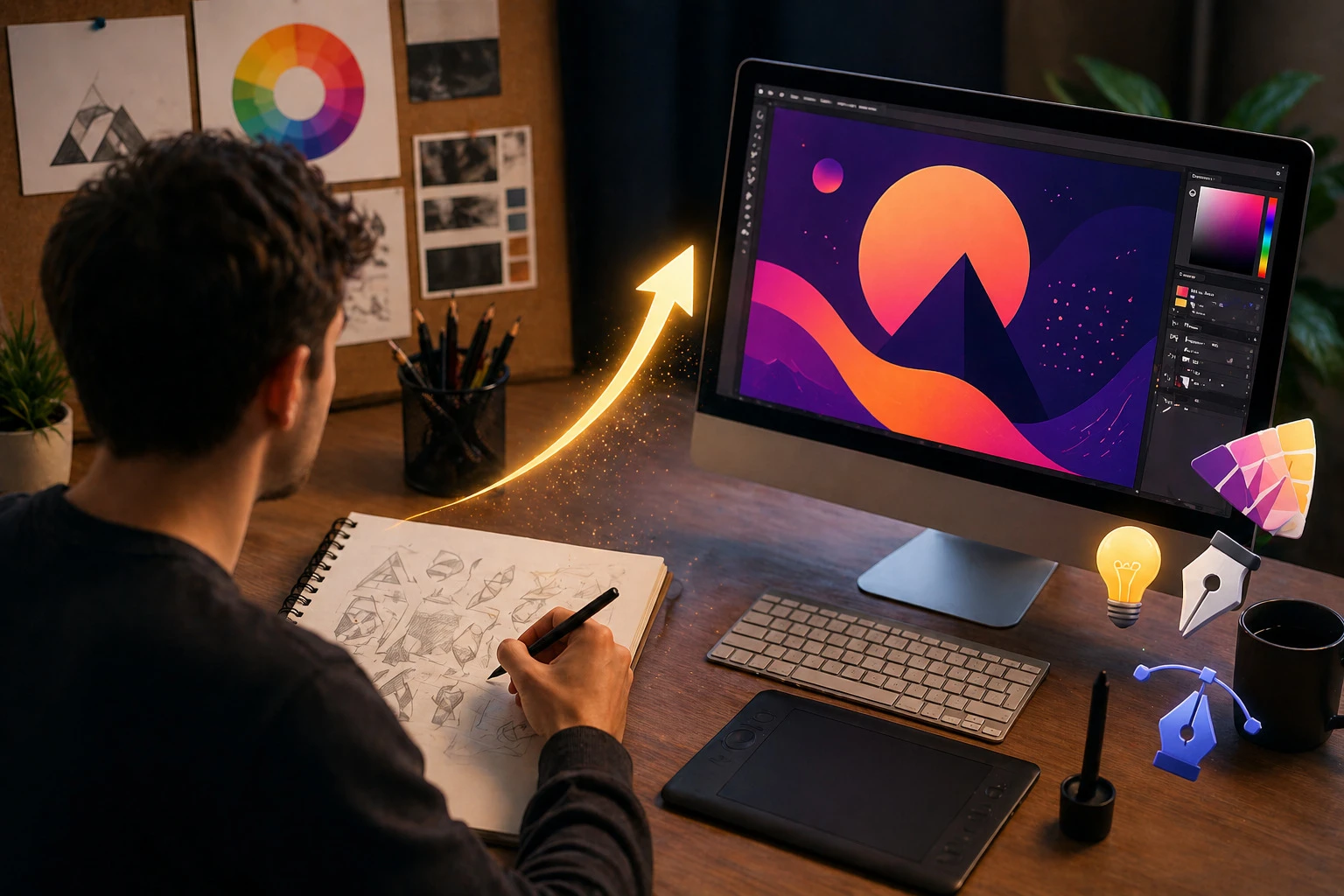
Every designer has been exactly there. The gap between what you imagine and what you can actually create is real, but it closes faster than most people think. The trick is not just practising more it is practising the right things in the right order.
Whether you are just starting out or you have been designing for a while and feel stuck, this guide walks you through practical, honest ways to improve your graphic design skills faster without burning out or wasting time on things that do not move you forward.
Graphic design is not just for designers anymore. Business owners use it for branding. Marketers use it for content. Freelancers use it to stand out. Even if you are not planning a full design career, having strong design skills gives you a serious advantage in almost any field.
And for those who do want to build a career or freelance business around design your skill level is directly tied to the quality of clients you attract, the rates you can charge, and the kind of work you get to do.
Improving your graphic design skills is not a one-time thing. It is a habit you build over time. The good news is that with the right approach, the improvement feels fast.
Before jumping into advanced techniques, it helps to understand which foundational skills make the biggest difference. These are the areas that experienced designers come back to again and again because they never stop mattering.
Typography is the skill most beginners underestimate. Choosing the right font, getting the spacing right, and creating clear visual hierarchy these decisions shape how professional your work looks more than almost anything else.
Start by studying font pairings. Notice how different typefaces feel: formal, playful, modern, or vintage. Practice using just two fonts in a design and making them work together.
Colour is one of the most powerful tools in design. The wrong colour combination can make a great layout fall flat. The right one creates emotion and trust instantly.
Learn the basics: complementary colours, warm vs cool tones, and how to build a simple colour palette. Tools like Coolors and Adobe Colour make this easy to experiment with.

Good design is as much about what you leave empty as what you fill in. White space is not wasted space it is what makes your design breathable and easy to read.
Practice creating layouts where everything has a clear reason to be where it is. Alignment, grids, and consistent spacing are the quiet foundations of professional-looking work.
Knowing what to focus on is one thing. Actually getting better requires putting in the reps. Here is what genuinely speeds up the learning curve.
This is one of the fastest ways to learn. Find a design you love a poster, a logo, an app screen and try to recreate it from scratch. You will quickly discover techniques and decisions you never would have noticed just by looking at it.
This is not copying for use. It is learning by doing, the same way a musician learns by playing other people's songs before writing their own.
Most beginners wait until a design feels "finished" before showing anyone. This is a mistake. Share early, share often, and ask specific questions: Does this feel balanced? Is the hierarchy clear? What is the first thing your eye goes to?
Design communities like Dribbble, Behance, and Reddit's r/graphic_design are full of people willing to give honest, useful feedback. Use them.
Graphic design and UI/UX design overlap more than most people realise. Understanding how users interact with a screen what they click, where their eye travels, what confuses them makes your visual decisions sharper and more purposeful.
If you want to go deeper into this area, the What is UI/UX Design? Everything you need to know are a great starting point. They break down user experience principles in a way that directly improves how you approach every design project.

Pick one design task per day for 30 days. It does not have to be complex a social media post, a small logo concept, a colour palette. The goal is consistency, not perfection.
Designers who practice every day even for 20 minutes improve noticeably faster than those who only sit down when they feel "inspired." Inspiration follows action, not the other way around.
Do not wait until you feel ready to start building a portfolio. Take on small projects for friends, for local businesses, for yourself. Real-world projects teach you things that tutorials never will.
If you want to understand what strong web presentation looks like from a design perspective, take a look at the Web Design. Seeing how professional work is structured and presented gives you a concrete target to aim for.
These are the habits that slow people down the most and they are all fixable.
The right tools make the learning process smoother. Here is a solid starting kit:
Design Tools
Learning Resources
Consistency is the one thing that separates designers who improve quickly from those who stay stuck. Here is how to build it:

Improving your graphic design skills is not about natural talent. It’s about consistency, practice, and learning from others. The more you observe, experiment, and stay open to feedback, the faster you grow. Start small. Pick one tip from this guide and take action today. Recreate a design you admire, ask for feedback, or spend a few minutes experimenting with colours and typography. Over time, these small efforts build real progress.
If you want to keep improving with practical tips, tutorials, and real-world inspiration, explore everything the Edesignify blog has to offer it’s designed to support you at every stage of your journey.

Nigarish Nadeem is a passionate content writer and guest posting contributor who specializes in creating engaging, SEO-friendly content across multiple niches including technology, business, marketing, lifestyle, and digital trends. With a focus on quality writing and audience value, she helps brands improve their online visibility through informative and well-researched articles.
Scroll through any design forum or beginner group, and you’ll notice a pattern—people co
27 April 2026
If you scroll through Instagram, watch a YouTube video, or even look at a product package, you&rsquo
10 April 2026
Claymorphism is a modern design style characterized by soft, 3D-like visuals that mimic objects mold
24 February 2026
Be the first to share your thoughts
No comments yet. Be the first to comment!
Share your thoughts and join the discussion below.


