* All product/brand names, logos, and trademarks are property of their respective owners.
If you’ve ever worked on a website or app design, you know the feeling. You start with a wireframe, everything looks clean… and then you hit the visual stage. Suddenly, you need icons for navigation, illustrations for the hero section, and consistent UI components to bring everything together. That’s where high-quality free design resources become game-changers.
Today, web designers don’t have to build everything from scratch. There are powerful free icon libraries, customizable illustration packs, and comprehensive UI kits for Figma, Tailwind, and Material Design that can dramatically speed up your workflow. The key is knowing which ones are actually worth using — and how to use them without making your design look generic.
In this guide, you’ll discover some of the best free icons, free illustrations for websites, and free UI kits for web and mobile projects. More importantly, you’ll learn how to choose the right style for your project, how to stay consistent, and how to customize these assets like a pro. Whether you’re building a SaaS dashboard, a startup landing page, an eCommerce store, or a portfolio website, these resources will help you design faster — while still delivering a polished, professional result.
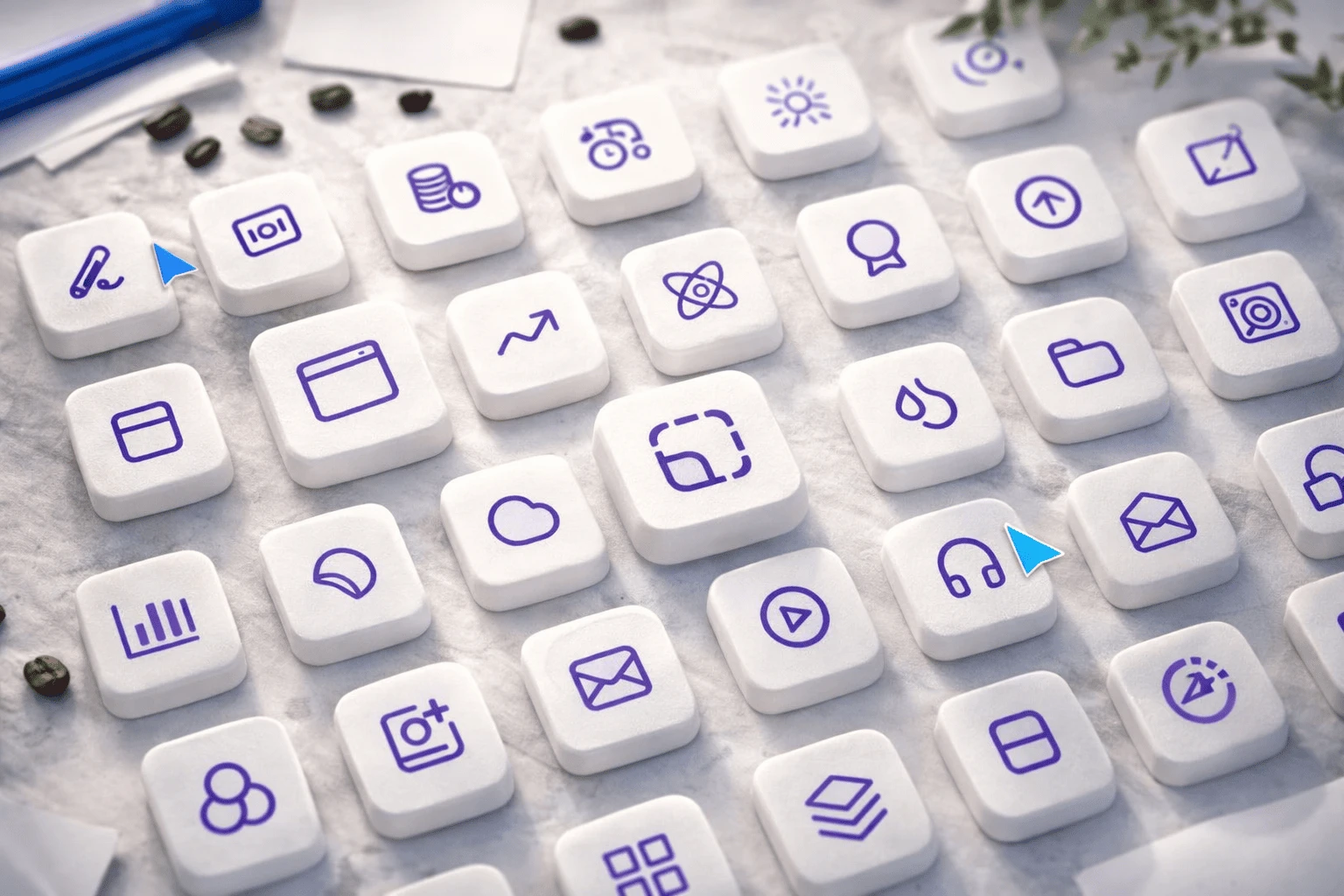
Icons are small, but they play a huge role in user experience. They guide users, reduce text clutter, and improve visual clarity. The right icon set makes your interface feel modern and cohesive. The wrong one makes it feel outdated or inconsistent. Here are some of the best free icon libraries available right now.

Minimal outline icons are perfect for modern SaaS apps, dashboards, and clean landing pages.
Untitled UI offers over 1,100 free essential icons crafted specifically for modern UI design in Figma. The set feels premium and highly consistent, making it ideal for product interfaces and admin panels.
Created by the makers of Tailwind CSS, Heroicons includes 280+ hand-crafted SVG icons in outline, solid, and mini styles. They’re clean, developer-friendly, and work beautifully in Tailwind-based projects.
Lucide is a community-run fork of Feather Icons with more than 1,400 outline icons. It’s lightweight, modern, and widely used in web apps.
Tabler offers 4,900+ open-source icons designed on a 24×24 grid. This grid-based consistency helps maintain proper spacing and alignment across your UI.
These libraries are excellent choices if you want a clean, minimal look that scales well across devices.
Sometimes you need more flexibility — different weights, fills, or expressive styles.
Phosphor features 7,488 icons across six styles: thin, light, regular, bold, fill, and duotone. This makes it perfect for design systems where you want consistent icons but different visual emphasis for active states.
With millions of icons available, The Noun Project is ideal when you need something highly specific. Many icons are public domain, but always double-check attribution requirements before using them commercially.
Choosing the right icon pack depends on your project type:
SaaS dashboards → Outline sets like Heroicons or Lucide
Marketing websites → Clean, minimal sets with strong spacing
Mobile apps → Multi-style libraries like Phosphor
Niche industries → Larger databases like The Noun Project
Also, always optimize SVG icons before publishing. Clean SVG files improve website performance and load times — especially important for SEO and user experience.
Icons bring clarity. Illustrations bring personality. UI kits bring structure. When used together correctly, they can transform your workflow.

Illustrations help explain features, humanize your brand, and make landing pages feel engaging.
unDraw offers open-source SVG illustrations that allow you to customize the main color instantly. It’s perfect for startups and SaaS products that want quick brand alignment.
Humaaans, created by Pablo Stanley, lets you fully customize characters — poses, clothing, and skin tones. It’s excellent for human-centered brands and inclusive product designs.
ManyPixels provides a wide range of free illustrations across industries like healthcare, finance, and tech. They’re free for commercial use and require no attribution.
IconScout offers royalty-free illustrations in SVG, PNG, and EPS formats. The variety of formats makes it easier to collaborate with developers and marketing teams.
DrawKit features high-quality vector illustrations, including minimalist and modern 3D styles. 3D illustrations are trending globally, especially for AI, fintech, and Web3 projects.
Flat illustrations are generally safer for corporate or SaaS sites, while 3D visuals work well for bold, modern brands. Just make sure you stay consistent with one style across your website.
UI kits are one of the biggest time-savers in web design. Instead of designing every button, form, or card from scratch, you start with pre-built components and customize them.
A comprehensive Figma UI kit with essential web and mobile components. It’s structured, clean, and perfect for SaaS interfaces.
Google’s official design system is ideal for Android apps and modern web applications. It focuses heavily on accessibility and scalability.
Landify is a landing page UI kit designed to help you quickly build high-converting pages. It includes ready-made hero sections, testimonials, pricing blocks, and more.
Flowbite is an open-source library of 500+ UI components built for Tailwind CSS. It also includes a Figma design kit, making it easier for designers and developers to collaborate.
A highly customizable modern component library popular in Next.js and SaaS projects. It’s flexible and works well for building custom design systems.
The biggest mistake designers make is using UI kits exactly as they are.
Here’s how to avoid that:
Change typography and spacing first.
Create a unique color palette instead of using the default blues.
Adjust border radius and shadows for a distinctive look.
Remove unnecessary components to keep your UI lightweight.
Ensure proper contrast and accessibility standards.
Customization is what turns a free UI kit into a professional product.
Free design resources have evolved dramatically. Today’s free icon libraries, illustration packs, and UI kits are powerful enough to support real-world, commercial projects. The secret isn’t just downloading assets — it’s using them strategically. Pick a consistent icon family. Choose illustrations that match your brand personality. Start with a structured UI kit, then customize it to reflect your unique visual identity.
When used wisely, these free resources can help you design faster, reduce costs, and maintain high quality. Whether you’re a freelancer, agency designer, or product builder, having a reliable toolkit of free web design assets gives you a serious advantage. Bookmark this guide, experiment with these tools, and build something great.
Related Article
Best Free and Paid Stock Photo Sites for Graphic Designers

Mushraf Baig is a content writer and digital publishing specialist focused on data-driven topics, monetization strategies, and emerging technology trends. With experience creating in-depth, research-backed articles, He helps readers understand complex subjects such as analytics, advertising platforms, and digital growth strategies in clear, practical terms.
When not writing, He explores content optimization techniques, publishing workflows, and ways to improve reader experience through structured, high-quality content.
Every creator knows the feeling: you want to make something fresh, but your ideas feel stuck. You sc
26 May 2026
Designers are always on the lookout for high-quality assets, but not everyone has the budget to pay
17 April 2026
In today’s fast-moving digital world, having strong visuals isn’t a luxury — it&rs
28 January 2026
Be the first to share your thoughts
No comments yet. Be the first to comment!
Share your thoughts and join the discussion below.


