* All product/brand names, logos, and trademarks are property of their respective owners.
Imagine this: you're a UX designer who just wrapped up a full-day sprint, juggling user interviews, wireframes, and feedback loops. Then you hear the buzz — "AI is coming for your job." Feels like déjà vu, right? Just like how graphic designers, writers, and even coders were warned about automation replacing them. But here’s the real question: is AI actually a threat to UX designers… or is it a tool that could turn them into creative powerhouses?
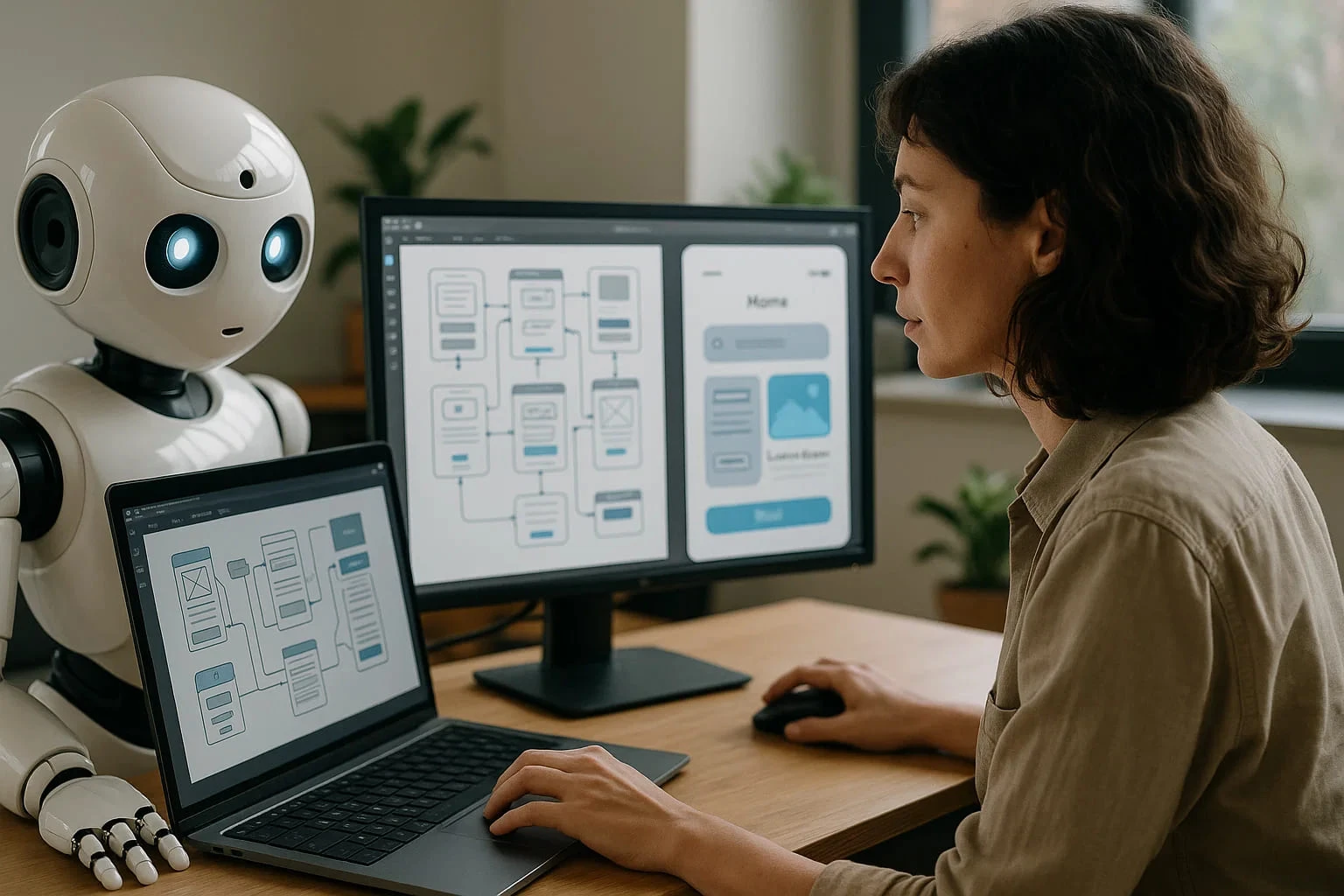
AI is already reshaping industries, streamlining workflows, and crunching data in ways humans never could. In UX design, tools like Uizard can generate wireframes from plain text, while platforms like Maze offer instant usability insights. It's fast, it’s flashy — and, frankly, a little intimidating.
However, UX design isn’t just about creating interfaces or layouts. It’s about understanding people — their needs, behaviors, frustrations, and habits. That human element, that ability to empathize and craft experiences that feel right, isn’t something machines can fully grasp. At least not yet.
Still, let’s be honest: AI is changing the way we work. Designers who rely solely on traditional methods might find themselves falling behind. But those who learn to leverage AI as a creative partner? They stand to do more than just survive — they can thrive, innovate, and even lead a new era of design.
In this blog, we’ll explore whether AI will replace UX designers or empower them to become unstoppable creators. We’ll break down what AI can and can’t do, how the role of designers is evolving, and how professionals — especially in markets like Pakistan — can adapt and lead the future of user experience design.
AI is a powerhouse when it comes to speed and scalability — and in UX, that means automation of repetitive tasks. Need quick wireframes based on a user story? Tools like Uizard and Galileo AI can turn plain text into functional UI mockups in seconds. Want to analyze user heatmaps or click patterns? AI can digest that data faster than any human.
Platforms like Maze use machine learning to provide real-time usability feedback, saving hours of manual testing. AI chatbots also help gather user input, survey feedback, and behavior data automatically — something especially useful for lean teams or solo designers.
By handling grunt work — prototyping, layout suggestions, A/B test predictions — AI lets designers focus more on creativity and strategy.
But here’s the twist: AI doesn’t “understand” humans — it predicts patterns based on past data. UX design, however, isn’t just about predictions. It’s about empathy, context, and cultural nuance.
Imagine designing a mobile app for rural users in Pakistan. AI might suggest a standard layout based on global data, but it won’t understand the local language, low-literacy UI needs, or the emotional behaviors of those users. Only a human UX designer can empathize and adapt accordingly.
Designing for accessibility, ethical implications, and emotionally resonant experiences requires deep human insight — something no algorithm can replicate. AI lacks intuition, ethics, and creative storytelling.
Here are a few tools already making waves:
Uizard: Converts text into design mockups instantly.
Galileo AI: Generates UI based on prompts.
Midjourney / DALL·E: Create visuals to inspire UX mood boards.
Maze: Automates user testing and insights.
Khudi.ai (Pakistan): Local AI-driven user analytics for digital platforms.
In Pakistan, design agencies in Lahore and Karachi are increasingly adopting AI tools — not to replace designers, but to supercharge ideation and speed.
The UX role is no longer just about sketching wireframes or building clickable prototypes — it’s evolving into something far more strategic. As AI handles more executional tasks, designers are shifting toward decision-making, storytelling, and product vision.
New hybrid roles are already emerging:
UX + Data: Designers who can interpret AI-driven analytics to inform experience decisions.
UX + Prompt Design: Those who craft the right inputs for generative AI tools to get the best creative results.
AI Experience Designers: Specialists who design user flows for AI tools themselves — like chatbots, recommendation engines, and voice assistants.
Instead of being replaced, UX designers who embrace AI become creative directors of smarter systems.
To become truly “unstoppable,” designers need to master a mix of soft and technical skills. Here’s your future-focused toolkit:
Human-Centered Design: Still the #1 skill. AI can’t replace empathy.
Critical Thinking: To assess where AI fits — and where it doesn’t.
Prompt Engineering: Learning how to speak to AI tools effectively.
Tool Fluency: Familiarity with tools like Figma, Uizard, Maze, and Notion AI.
Ethics & Accessibility: A human-first mindset is more valuable than ever.
The designers who succeed won’t just “use” AI. They’ll design workflows that blend AI and human creativity, pushing the boundaries of what's possible.
In Pakistan, UX is growing fast — especially in fintech, e-commerce, and health tech sectors. With AI adoption on the rise, many startups and agencies in cities like Lahore, Islamabad, and Karachi are exploring how AI can speed up testing, ideation, and visual design.
But there’s still a gap: many Pakistani UX professionals haven’t yet upskilled in AI. This presents a golden opportunity. Whether you're a designer in Karachi or a student in Peshawar, learning to integrate AI into your workflow can give you a serious edge — not just locally, but globally.
Workshops, bootcamps, and online courses (like Coursera’s “AI for Designers”) are now more accessible. If you start now, you can lead the AI-UX movement in Pakistan.
So, will AI replace UX designers?
Not even close.
While AI is transforming the landscape of design — automating the boring stuff, analyzing data at scale, and generating mockups in seconds — it still lacks the one thing that defines great UX: the human connection.
UX design is about empathy. It’s about understanding the messy, emotional, often irrational ways people interact with technology. AI can assist, accelerate, and even inspire — but it can’t feel what users feel. It can’t walk in their shoes.
That’s where you come in.
Designers who embrace AI as a partner, not a rival, are the ones who will lead the future. By blending human creativity with machine precision, you can create experiences that are not only functional — but unforgettable. Whether you’re working at a design studio in Karachi or freelancing from Lahore, the opportunity to rise as an unstoppable creator is right here, right now.
So don’t fear the change. Learn the tools. Evolve your skills. Stay curious. And most importantly — stay human.
Start by picking one AI tool this week. Explore it. Play with it. Integrate it into your workflow. You don’t have to be perfect — you just have to start.
The future of UX isn’t AI vs. Designers. It’s AI + Designers = Supercharged Innovation.
Also Read
UI/UX Trends 2025: Personalization, Accessibility & Generative AI in Design

An SEO specialist with a strong focus on improving website rankings and search performance.
Experienced in keyword research, on-page optimization, and content strategy.
Skilled at increasing organic traffic and enhancing online visibility.
Uses data-driven methods aligned with search engine best practices.
Committed to delivering sustainable, long-term SEO results.
Accessibility and conversion are often treated like separate goals. In reality, many accessibility i
5 June 2026
UI/UX Design in 2026 is not just evolving. It is shifting at a pace that feels hard to ignore. New t
21 April 2026
Have you ever opened an app and instantly felt confused? Maybe you couldn’t find the button yo
8 April 2026
Be the first to share your thoughts
No comments yet. Be the first to comment!
Share your thoughts and join the discussion below.


